A hard disk drive does not necessarily have to stop spinning or make a clicking noise to have suffered internal damage. A drop can affect delicate mechanical components, and the consequences may not become obvious until the drive is powered on or an attempt is made to access the stored data.
What actually happens inside a hard drive when it is dropped? The answer depends on several factors, including whether the drive was operating at the time, the height and direction of the impact, the surface it struck, and the particular drive design.
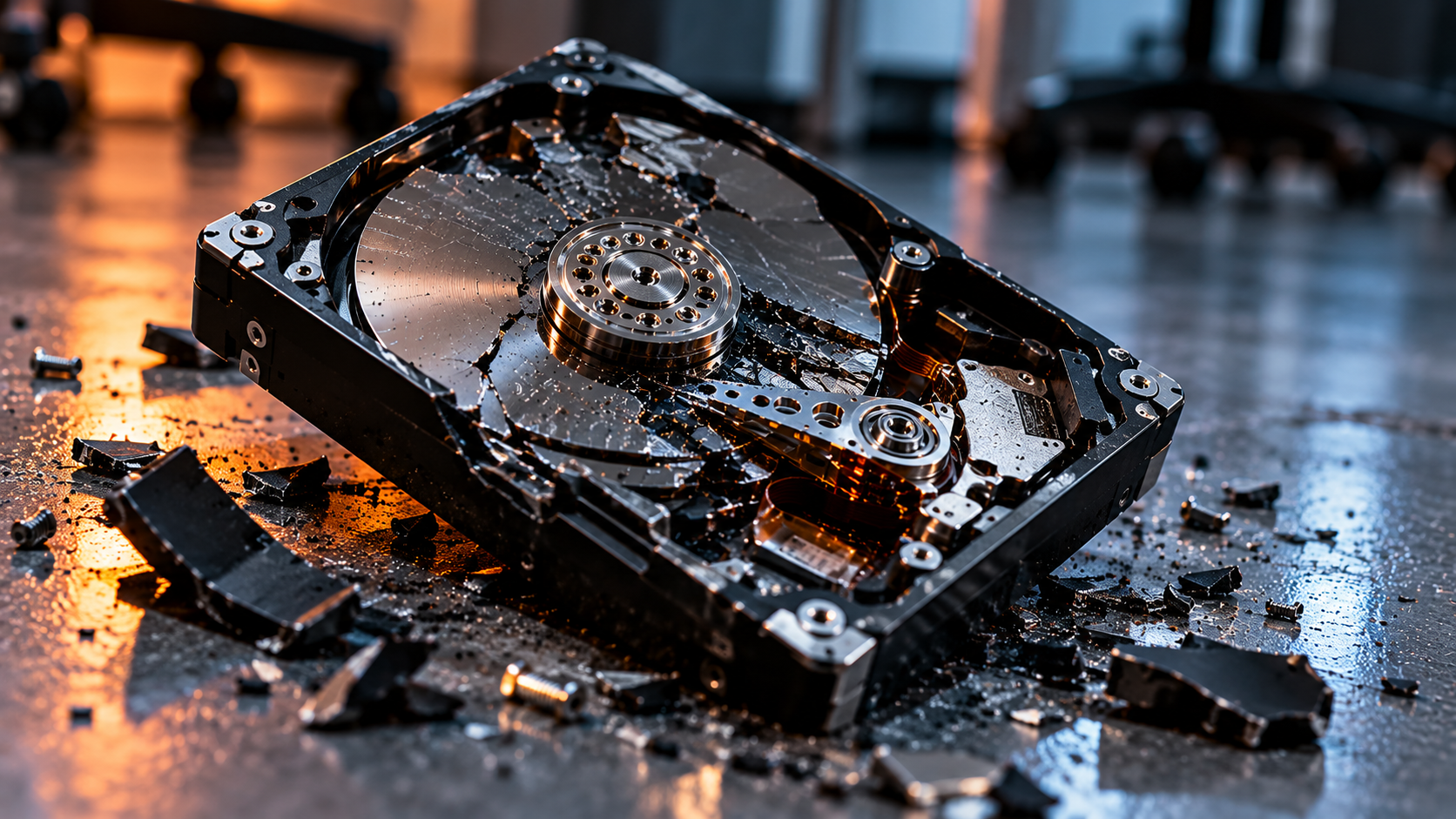
Impact damage can affect mechanical components even when the external enclosure shows little visible damage.
1. Why a hard drive is sensitive to impact
A conventional hard disk drive (HDD) stores data magnetically on rotating platters. Read/write heads move across the platter surfaces to access the data. During normal operation, these heads fly extremely close to the surfaces on a thin cushion of air generated by the rotating platters.
The clearances involved are extremely small. A sudden shock can therefore place mechanical components under significant stress. The drive enclosure may look intact while something inside has shifted, become damaged, or stopped operating correctly.
Not every drop causes damage. The outcome depends on the magnitude and direction of the shock, the drive’s internal construction, whether it was running, and how the impact was transmitted through the enclosure.
2. What changes when the drive is powered on?
When the platters are spinning
A powered-on HDD presents a particular risk because its platters are rotating and its heads are operating in close proximity to the recording surfaces. A sufficiently severe shock can disturb the head-to-platter relationship or cause the heads to contact a surface.
Such contact may damage the heads, the magnetic recording layer, or both. Depending on the circumstances, the drive may continue running, begin clicking, disappear from the system, or stop responding altogether.
When the drive is powered off
A powered-off drive is not automatically safe from impact damage. Many drives park their heads in a designated landing zone or on a ramp when they shut down. These mechanisms reduce the risk associated with normal handling, but they cannot eliminate every consequence of a strong shock.
An impact can still affect the head assembly, actuator mechanism, spindle assembly, internal alignment, or other components. The extent of any damage depends on the drive design and the characteristics of the impact.
3. Which components can be damaged?
Read/write heads
The head assembly can be damaged or displaced by mechanical shock. If a head no longer operates correctly, the drive may be unable to read particular surfaces or may fail during initialization. A damaged head can also pose a risk to platter surfaces if the drive continues operating.
Platters and recording surfaces
A head-to-surface contact event can cause localized damage to the recording surface. In more severe cases, continued rotation can spread the damage beyond its original location. Surface damage may affect the ability to read data from some or all of the affected area.
The visible condition of the outer enclosure does not reliably indicate the condition of the platter surfaces. Conversely, a drive that has been dropped has not necessarily suffered a platter crash.
Spindle motor and bearing assembly
The spindle assembly supports and rotates the platters. A severe impact may affect its mechanical condition or prevent the platters from reaching their normal operating speed. A drive that does not spin up may have several possible causes, so this symptom alone does not establish that the motor itself has failed.
Actuator and head-parking mechanism
The actuator positions the heads over the platter surfaces, while the parking mechanism helps secure them when they are not in operation. Mechanical shock can affect these assemblies or their movement.
Unusual noises, repeated clicking, failure to initialize, or a drive that is not detected by the computer can be consistent with mechanical trouble. However, none of these symptoms is a definitive diagnosis on its own.
4. Why repeated power-on attempts can make things worse
When a dropped drive fails to appear on a computer, the natural reaction is often to reconnect it, try another cable, reboot the system, or attempt to access the files again.
Basic external checks can sometimes help distinguish a connection problem from a drive problem. However, if physical damage is suspected, repeatedly powering up the drive may be counterproductive.
If the heads or recording surfaces are damaged, further operation can increase the risk of additional contact or surface damage. A drive that initially had a limited fault may deteriorate as a result of continued attempts to operate it.
5. Why recovery software may not be the first step
Data recovery software can be useful when a drive is mechanically functional but has logical problems, such as deleted files, damaged file-system structures, or certain types of partition corruption.
Software cannot repair a physically damaged read/write head, restore a damaged platter surface, or correct a mechanical failure. A full-disk scan can also place sustained reading demands on a drive that may already be unstable.
If the drive is making abnormal noises, has suffered a significant impact, or repeatedly disconnects, it is generally safer to stop rather than begin a long scan or attempt to clone the disk without considering the physical condition first.
The appropriate first step depends on the symptoms and the value of the data. A stable drive with no signs of physical damage is a different situation from one that has developed mechanical symptoms immediately after being dropped.
6. Why opening the enclosure at home is risky
A conventional HDD contains sensitive internal components and recording surfaces. Opening the sealed assembly in an ordinary room can expose those surfaces to airborne particles and other contamination.
Dust or other particles in the head-to-platter interface can interfere with operation and potentially contribute to further damage. Opening the drive also does not, by itself, reveal the full extent of a fault or provide a safe way to repair it.
Internal inspection and component-level intervention require suitable equipment, a controlled environment, compatible parts where replacement is necessary, and an understanding of the particular drive architecture.
7. Is data recovery still possible after a drop?
A dropped HDD is not automatically beyond recovery. The prospects depend on the nature and severity of the damage, the condition of the recording surfaces, the state of the heads and other components, and the location of the required data.
Some drives may have faults that can be addressed without significant internal damage. Others may require specialist mechanical work. Where recording surfaces have been damaged, some data may be permanently unreadable.
It is therefore not possible to estimate the likelihood of recovery from the fact that a drive was dropped alone. Its subsequent behaviour and a proper technical assessment are important.
8. What to do after dropping a hard drive
- Disconnect the drive if it is operating abnormally or physical damage is suspected.
- Avoid repeated tests. Do not repeatedly power it on just to see whether it works this time.
- Do not run a full scan or repair utility if there are signs of mechanical damage.
- Do not open the drive enclosure in an ordinary environment.
- Record what happened: whether the drive was powered on, approximately how far it fell, what surface it struck, and what symptoms appeared afterwards.
- Consider the importance of the data. If the files are irreplaceable, minimize further experimentation and seek an appropriate assessment.
- Keep the original drive. Avoid actions that could change its condition before its data has been assessed.
Conclusion
Dropping a hard drive can cause anything from no detectable damage to serious mechanical or recording-surface failure. The most important factors include the circumstances of the impact, the drive’s operating state, and the symptoms that follow.
The absence of obvious external damage does not prove that the drive is healthy, and clicking or detection problems do not identify a specific failed component with certainty. When physical damage is suspected, repeated attempts to access the data can introduce additional risk.
Understanding the mechanics of the failure helps explain why the safest next step is not always to reconnect the drive and run software. In data recovery, preserving the original condition can be just as important as identifying the fault.
← Back to Inside Data Recovery