

Recovering Data from USB Drives and Memory Cards: What You Should Know
USB drives and memory cards are small, convenient and easy to carry. We use them to store photos, documents, videos and other important files. But what happens when a USB stick suddenly stops working, or an SD card can no longer be read?
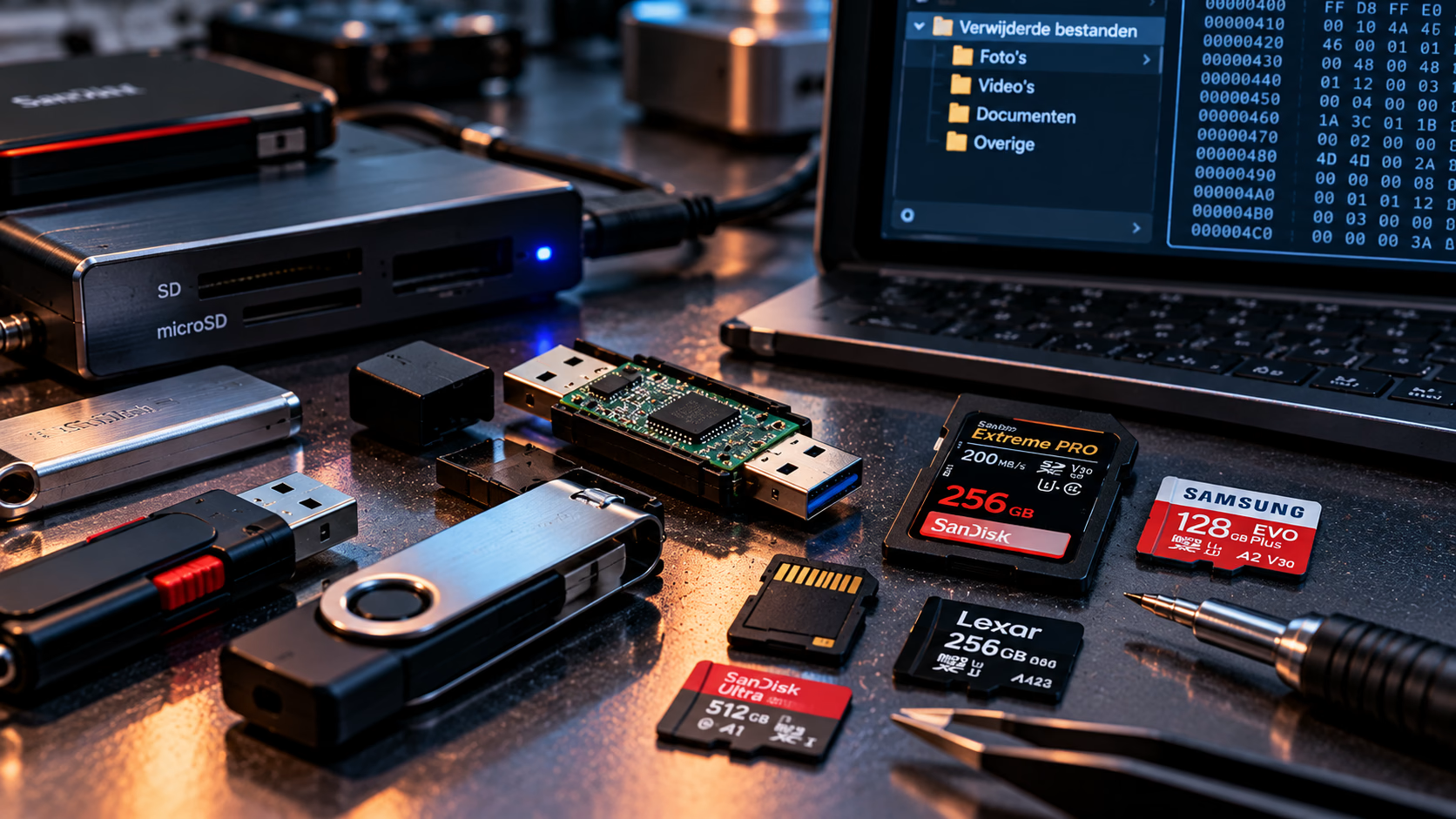
The good news is that a device that cannot be opened does not always mean the data is lost. Recovery depends on the type of failure and the condition of the storage device.
Why Do USB Drives and Memory Cards Fail?
There are several common reasons why flash storage can become inaccessible.
- File system corruption. A device may appear as RAW, ask to be formatted, or show an error when you try to open it. This can happen after an unsafe removal, an interrupted write operation or file system damage.
- Physical damage. USB connectors can bend or break. Memory cards can crack, and damaged contacts may prevent a device from connecting properly.
- Controller failure. USB drives and SD cards use electronic controllers to manage access to the stored data. If the controller fails, the device may stop responding even when the memory chips themselves are still readable.
- NAND flash memory degradation. Flash memory has a limited number of program and erase cycles. Over time, memory cells can wear out, and other electronic or firmware problems can make stored data inaccessible.
What Should You Do When a Device Stops Working?
If your USB drive or memory card suddenly becomes unreadable, a few simple precautions can help protect your chances of recovery.
- Stop saving new files to the device.
- Do not format it if you need the existing data.
- Avoid repeatedly connecting and disconnecting a device that behaves abnormally.
- Do not run repair tools that modify the file system before considering whether the data needs to be recovered first.
- If the device is physically damaged or becomes unusually hot, disconnect it and seek professional advice.
Can Deleted Files Be Recovered?
Sometimes, yes. Recovery depends on how the files were deleted, whether new data has overwritten them, and how the device manages its flash memory.
On some devices, TRIM or other internal management processes can make deleted data much harder or impossible to recover. A successful recovery is never guaranteed.
Why Professional Recovery Can Be Necessary
When a device is detected incorrectly, disconnects repeatedly or is not detected at all, the problem may be more complex than a damaged file system.
Specialist recovery work may involve examining the electronics, controller behaviour, firmware or NAND flash memory. The correct approach depends on the device and the failure. Not every problem can be solved with ordinary recovery software.
Final Thoughts
USB drives and memory cards are useful, but they should not be treated as permanent backups. If important files exist on only one device, a failure can put them at risk.
Keep multiple copies of important data, and store at least one backup separately from the original device.
If a USB drive or memory card contains important files and suddenly becomes inaccessible, GotData provides data recovery services in Belgium. The first step is to identify the failure and determine which recovery options may be available.
General information only. Data recovery results depend on the device and the nature of the failure; recovery cannot be guaranteed.